Invoice status, payments, and income
Keep an eye on invoice status
Section titled “Keep an eye on invoice status”Open Glovelly Menu to check invoices
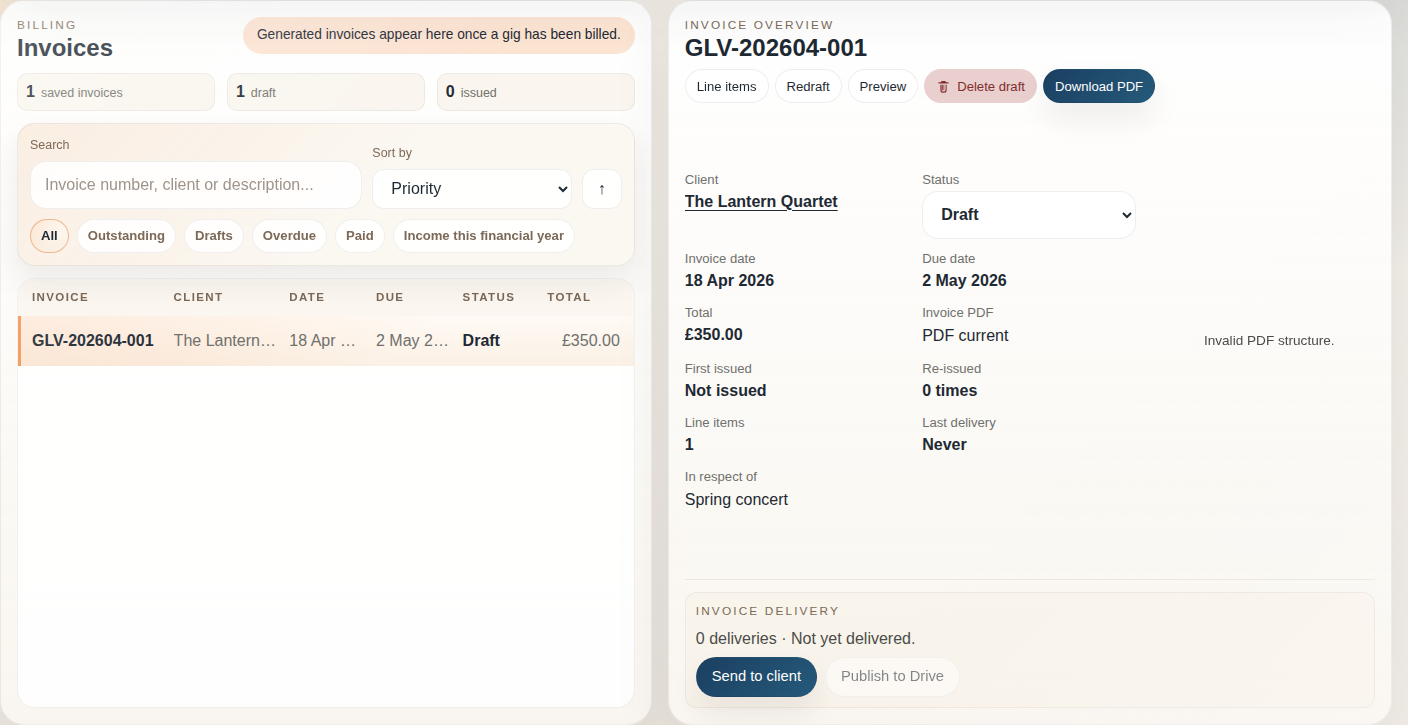
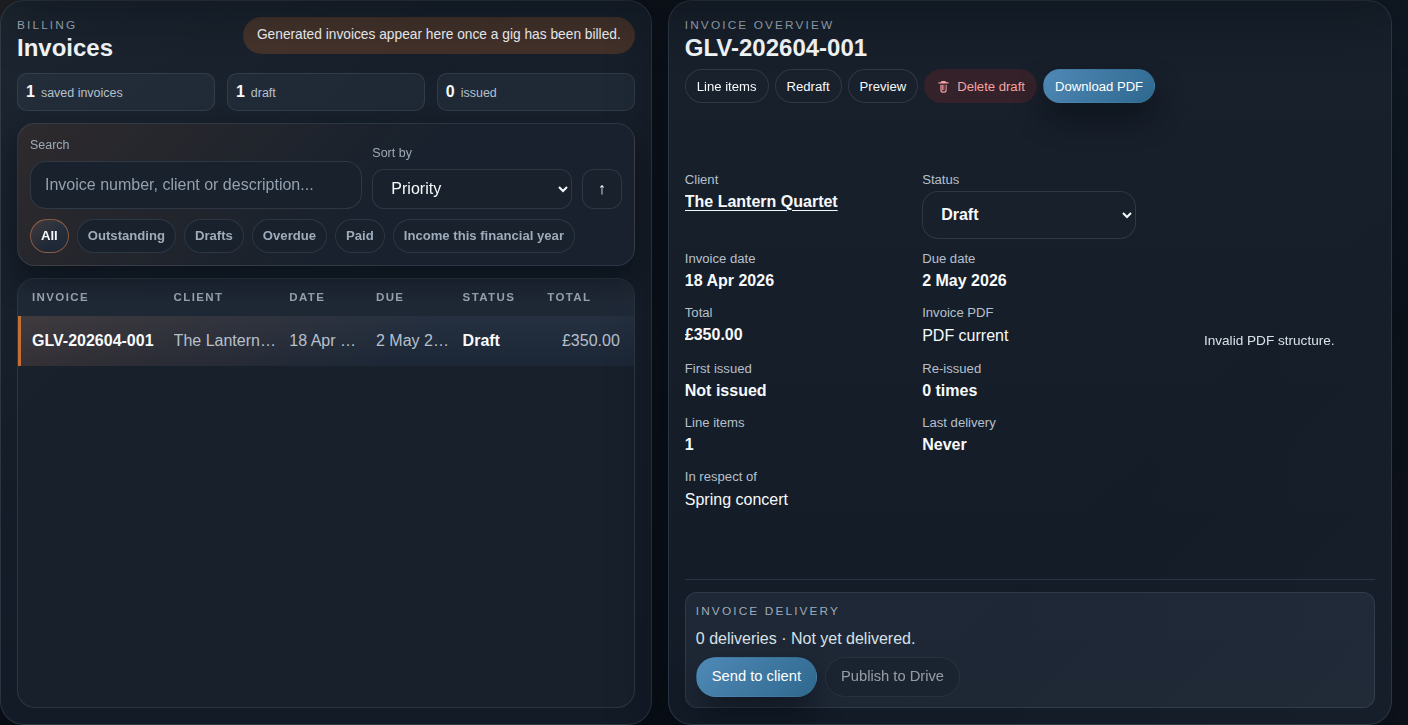
Use the Invoices workspace to filter invoices by drafts, outstanding invoices, overdue invoices, and paid invoices. Open an invoice to preview its PDF, review its line items, or take the next available status action.
Mark an invoice paid
Section titled “Mark an invoice paid”- Open the issued or overdue invoice.
- Choose the action to mark it Paid.
- Confirm once payment has arrived.
Glovelly records the payment date using the current UK date.
See paid income for the financial year
Section titled “See paid income for the financial year”The Income this financial year view includes paid invoices received between 6 April and 5 April. It is a useful record of paid income, not tax advice or a tax return.
Need help? Contact help or report a problem.