Settings and defaults
Open your settings
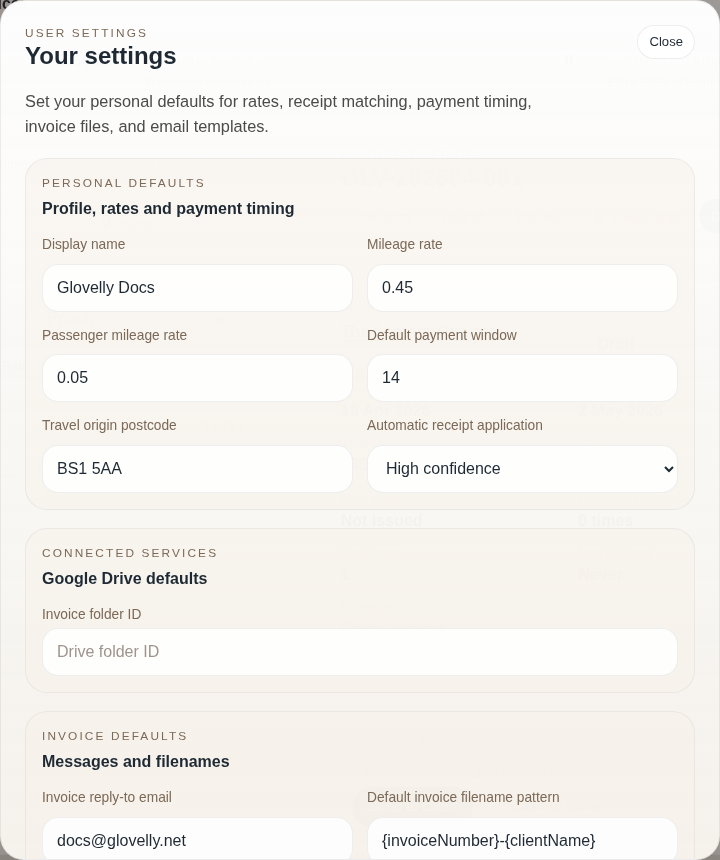
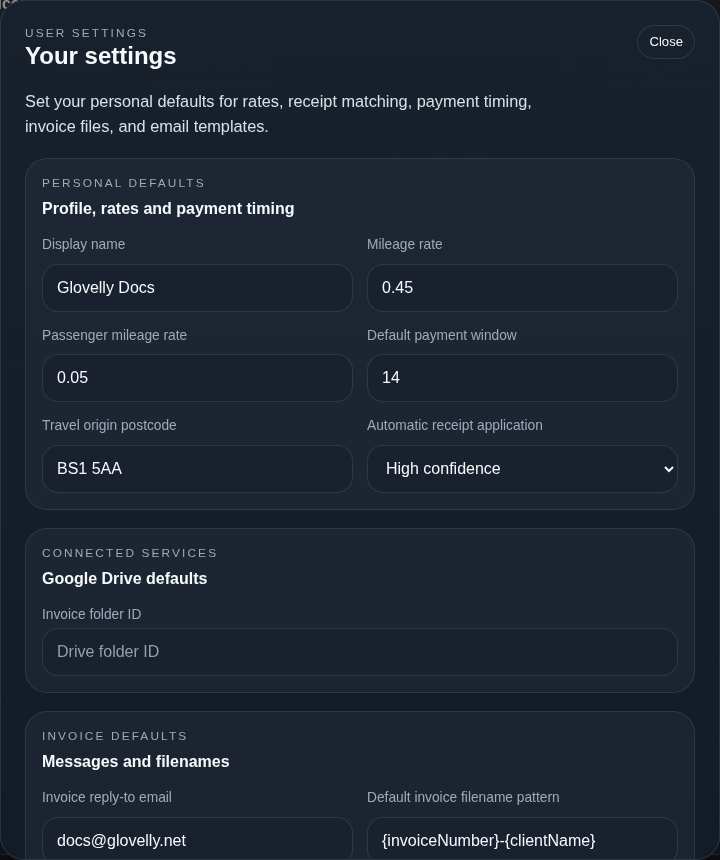
Section titled “Open your settings”Open the profile menu and choose Your settings. You can update your display name and defaults that save time when you create future clients, gigs, and invoices.
Useful defaults
Section titled “Useful defaults”Set defaults for things you use regularly, such as:
- travel origin postcode and mileage rates;
- default invoice payment window;
- invoice filename and email-subject patterns;
- invoice email message and reply-to address; and
- an invoice upload folder when you use Google Drive.
Defaults help with new work. They do not silently rewrite existing clients, gigs, or invoices.