Seller profile
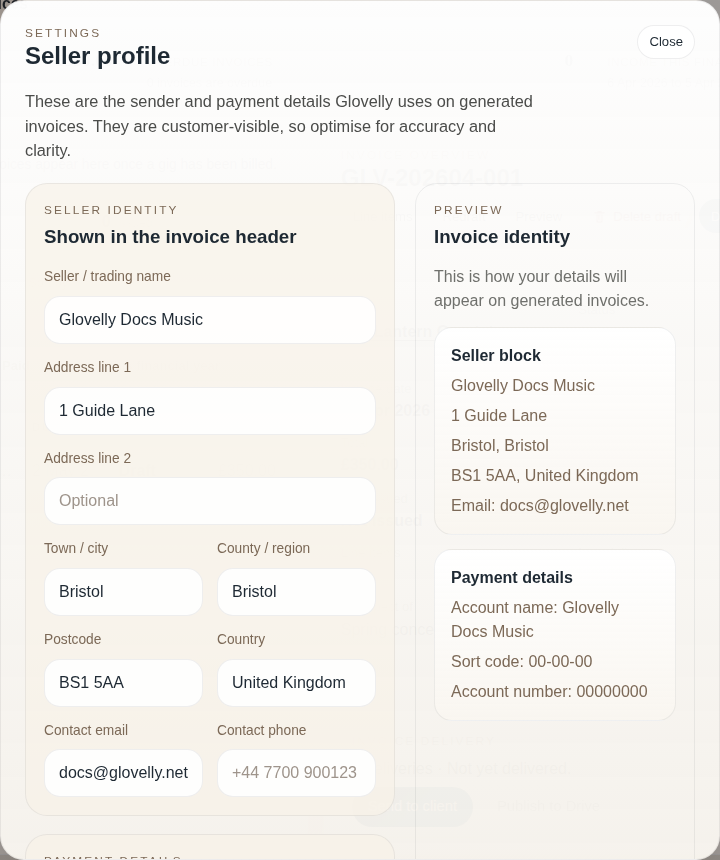
Set up your seller profile
Section titled “Set up your seller profile”- Open the profile menu in Glovelly Menu.
- Choose Seller profile.
- Add your name, address, email address, and payment details.
- Save the profile.
Your seller profile is used when Glovelly creates invoice PDFs. You can generate an invoice without every detail, but missing sender or payment details make the document less useful to your client.
Check it on an invoice
Section titled “Check it on an invoice”After saving, preview or redraft an invoice and check that the PDF shows the details you expect.